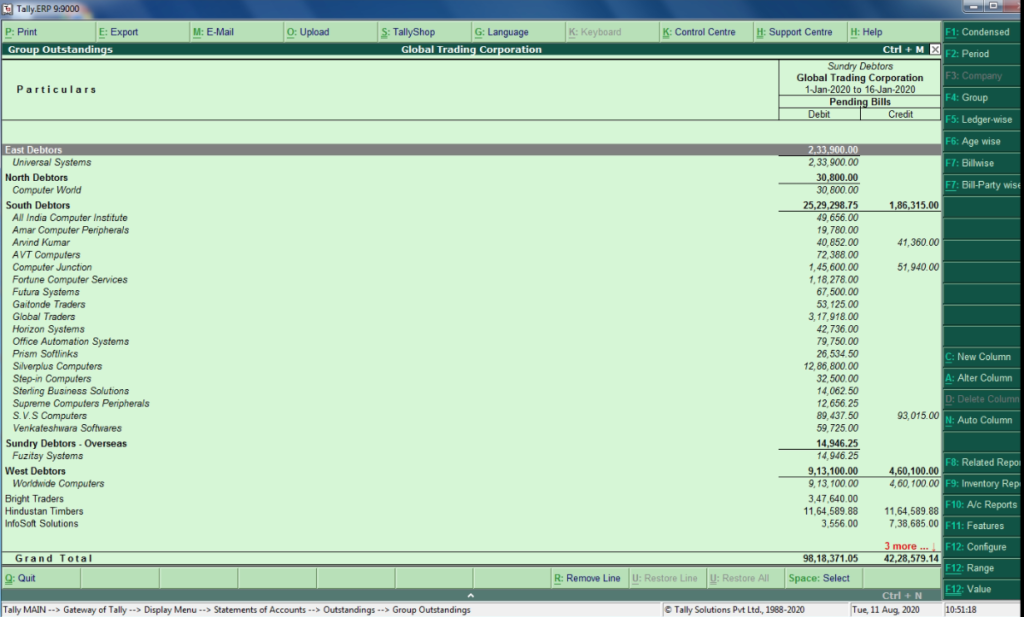
Debtors Group Wise Outstanding

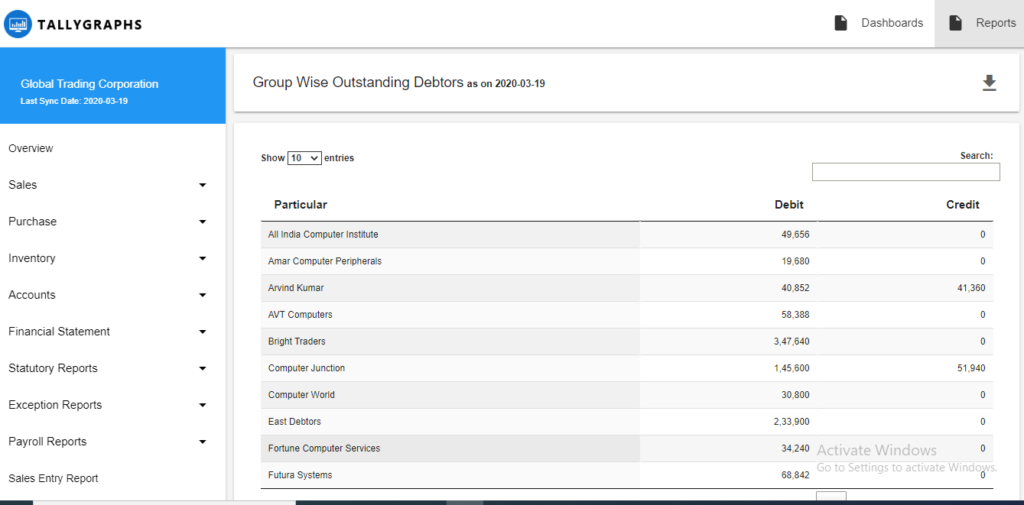
Debtors Group Wise Outstanding
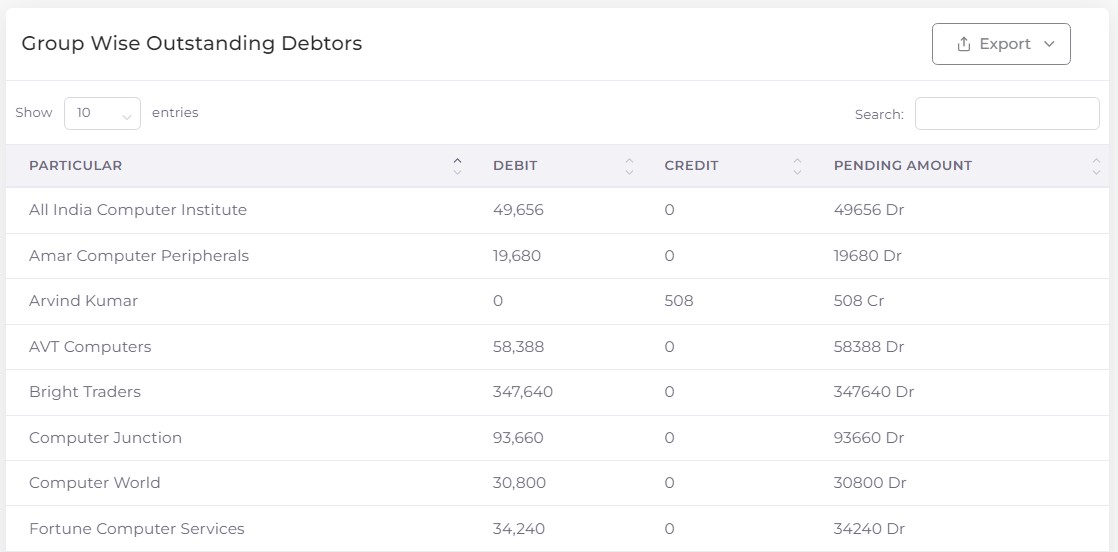
This report displays the outstanding payable during a specified period for an entire group – Sundry Debtors.
How to view report in TallyGraphs?
Reports > Sales > Group Outstanding – Debtors
How to view reports in Tally?
Go to Gateway of Tally > Display > Statements of Accounts > Outstandings > Group > Sundry Debtors